What This Drake Meme Generator Does
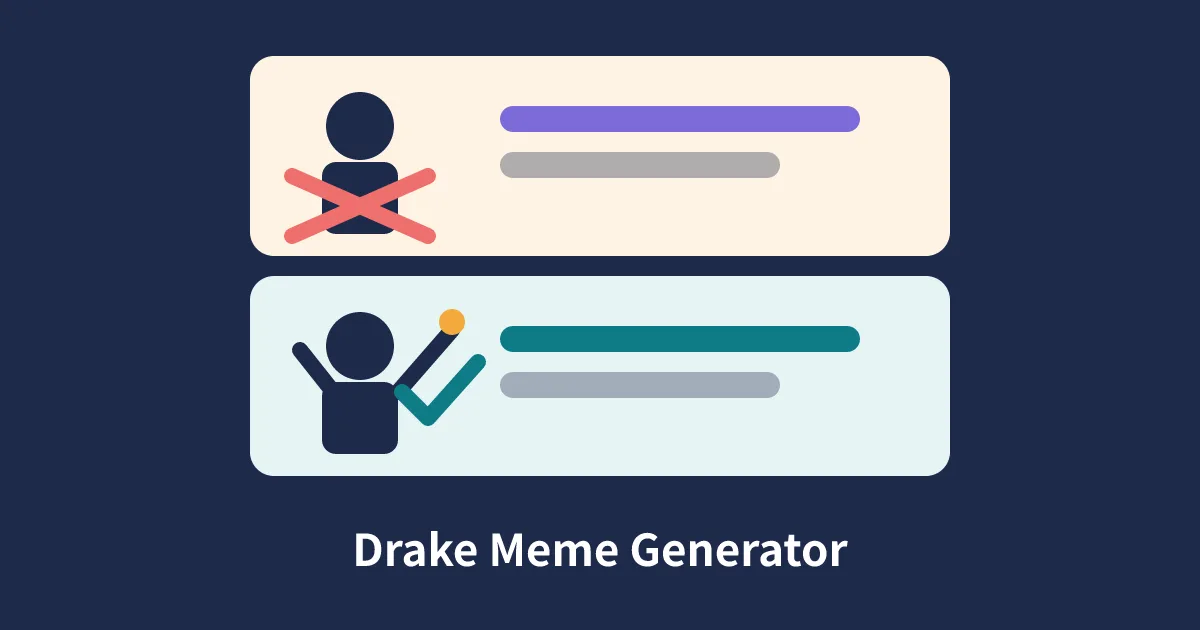
Searchers looking for a drake meme generator usually want one simple thing: the famous two panel reaction format, ready in seconds, with their own words in place of the usual captions. That is exactly what this page gives you, with one deliberate difference. Instead of copying a still from a video, this tool draws an original generic figure on a canvas, once turning a choice away and once approving it, so you get the same clear joke structure without reusing a photograph of a real person. The top panel is the reject slot. The bottom panel is the approve slot. You fill both sides with short captions, press Draw, and the contrast between the two panels does the comic work for you.
The format works because readers understand it instantly, before they finish reading a single word. A crossed gesture on top and a raised, approving gesture below act like a visual sentence that says no to this, yes to that. That is why the format suits preference jokes, study habits, food debates, workplace habits, and gentle teasing between friends. Our version keeps the layout faithful to that reading pattern: figure on the left, caption on the right, a firm divider between panels, and plenty of plain space around the text so the joke lands on phones as well as on a large screen. Nothing competes with your wording, which is as it should be, because in this format the caption is the meme.
A Fan Made Template With Original Artwork
This is a fan made template tool in the style of the popular two panel reaction format. The format became famous from a 2015 music video, and copies of two frames from that video spread across social media until the pairing became a shared shorthand for choosing one thing over another. This page does not use screenshots from that video, it does not embed that video, and it carries no copyrighted media at all. The silhouette, the crossed arms in the top panel, and the raised arm with a thumbs up in the bottom panel are drawn fresh, line by line, by the script on this page. The result reads the same way at a glance, while the artwork itself is ours and the words and pictures you add are yours.
That distinction matters for two practical reasons. First, a drawn figure never dates the way a low resolution video still does, so your meme stays crisp at full size. Second, you can safely replace the figure in either panel with a picture of your own, such as a product, a pet, a classroom object, or a screenshot of your own work, without layering your joke on top of someone else. The tool is a blank frame for your comparison, not a copy of a famous image with new words pasted over it.
How To Make Your Meme, Step By Step
- Decide the comparison first. Name the weaker option and the better option in plain words before you type anything, because the format rewards a clear contrast.
- Type the rejected option in the top text box. Keep it short, ideally under twelve words, so it wraps into two or three neat lines.
- Type the preferred option in the bottom text box. Match the grammar of the top caption so the two panels read as a fair pair.
- Set the text size with the slider. Larger text suits short captions and small screens, while smaller text gives longer captions room to breathe.
- Optionally add your own image to one panel or to both panels, using the file pickers under the canvas controls.
- Press the Draw button to render the canvas, read both panels aloud once to catch clumsy wording, then press Download PNG to save the finished meme.
Writing A Strong Reject And Approve Pair
The best pairs share a pattern you can copy. Each caption names a specific behaviour rather than a vague idea. Studying the night before the exam beats studying, and it beats it because a reader can picture the behaviour at once. Specific details also give you free comedy: times, places, brands you own, and small daily habits all read funnier than broad claims. Keep the top caption honest rather than absurd. A rejected option that nobody would ever choose makes the bottom option look weak by comparison, while a rejected option that is tempting in real life makes the approval feel earned and relatable.
Word order helps too. Start both captions the same way when you can, then change only the part that differs. That parallel shape lets readers spot the contrast in a single glance, which matters when a meme competes with a fast moving feed. Avoid stacking three ideas into one caption, avoid inside jokes that need a paragraph of context, and avoid captions that only work if the reader already agrees with you. If you need help phrasing a caption as a name or a title, our rap name generator shows how much punch a short, rhythmic phrase can carry, and the word counter helps you trim a caption to its leanest form before you draw it.
Original Examples You Can Adapt
These examples are written for this page, and you can copy the pattern while replacing the details with your own. Notice how each pair stays on one topic and how the bottom line is the one a reader would nod at.
- Top: Reading the summary ten minutes before class. Bottom: Reading the chapter the evening it was set.
- Top: One giant folder called stuff on the desktop. Bottom: Folders named by week, with the date first.
- Top: Guessing a password on the fifth attempt. Bottom: A password manager and a calm morning.
- Top: Cold pizza eaten over the sink. Bottom: Cold pizza on a plate, reheated properly.
- Top: A group project meeting with no agenda. Bottom: A twenty minute meeting with three decisions written down.
- Top: Buying a costume the night before the party. Bottom: Planning the costume when the invitation arrives.
- Top: Notes scattered across four different apps. Bottom: One notebook, one pen, and a page number.
- Top: A dragon name copied from a film. Bottom: A name built with the dragonborn name generator for your own character.
Text Size, Wrapping, And Readability
Captions are drawn with automatic wrapping. The script measures each line with the canvas text tools and starts a new line before the words reach the edge of the text area, so nothing is clipped and nothing spills over the figure. You control the starting size with the slider, from small and roomy to large and bold. A good rule is to pick the largest size at which your longest caption still fits in four lines or fewer. Four short lines read instantly. Seven thin lines read like a paragraph, and paragraphs are where reaction memes go to slow down.
Using Your Own Images
Each panel has its own image picker, and the two work independently. You can replace only the top figure to show the thing being rejected, replace only the bottom figure to reveal the winner, or replace both for a fully custom comparison, such as two phone models, two study spaces, or two drafts of the same design. The chosen picture fills the figure area on the left of its panel, and your caption stays on the right, so the reading pattern never changes. If a picture looks stretched, pick one with a squarer shape, since the figure area is close to square.
Only upload pictures you made or have permission to use, and think twice before uploading a picture of another person. A drawn silhouette asks for no permission and embarrasses nobody, which is one more reason the default artwork is a figure rather than a face. Pictures stay on your device during drawing, so a private photo used for a family joke does not travel anywhere. When you download, the PNG holds the full 800 by 800 canvas, ready for a chat, a slide, a forum post, or a printed handout.
Sharing And Good Meme Manners
A PNG is the right sharing format for this kind of image because the text stays sharp and the file opens everywhere. Post the meme where your audience already talks, add one short line of context if the comparison needs it, and credit nobody for the template, because the template here is a tool rather than a work you borrowed. Keep the joke on habits and choices rather than on people. The format is built to compare options, and it is funniest when the losing option is a behaviour anyone might slip into, not a person in your class or your office.
Finally, remember that a meme is an opinion in costume. It can open a discussion, soften a correction, or make a rule memorable, but it is not evidence. Pair it with the real explanation when the topic matters, and let the picture do the inviting while your words do the proving. Used that way, a two panel comparison is a small, honest piece of communication, and this generator keeps it quick, clean, and entirely your own.
Frequently Asked Questions
Is this drake meme generator free to use?
Yes. The tool is free, it needs no account, and it adds no watermark. You type two captions, press Draw, and download a clean PNG that you made in your browser.
Does this tool use a photo of a real person?
No. The figure in each panel is an original generic silhouette drawn with simple canvas paths. There is no photo, no screenshot, and no likeness of any real person in the artwork or in the download.
How do I add my own image to a panel?
Use the image picker under the panel you want to change. Your picture replaces the figure area on the left side of that panel, while your caption stays on the right. Press Draw after choosing the file to see the result.
What size is the finished meme?
The canvas is 800 pixels wide and 800 pixels tall. It holds two stacked panels, each 800 pixels wide and 400 pixels tall, and the download is a single PNG file at that full size.
Why does my caption wrap onto several lines?
Long captions wrap automatically so they stay inside the text area instead of running off the canvas. Shorten the wording for a punchier meme, or raise the text size slider only when your caption is short enough to still fit well.
Can I use a meme I make here for a class or a team chat?
In most cases a short original caption made for discussion, teaching, or a team joke is exactly what this format is for. Only upload pictures you have the right to use, and do not present a meme as a real quote or a real event.
Does the tool upload my pictures to a server?
No. Drawing, wrapping, and downloading all happen on your device with the browser canvas. The pictures you pick and the captions you type are not sent anywhere by this tool.