Convert plain text to Base64, or turn a Base64 string back into readable text, without anything leaving your device. Use this online base64 decoder tool in both directions: encode and decode text, switch to the URL-safe alphabet when you need it, turn a whole file into Base64, or rebuild a file from a Base64 string and download it.
Turn a file into Base64
Pick any file and your browser reads it locally, then shows the raw Base64 with the data URL prefix removed, plus the length of the full data URL if you need the complete embeddable version.
No file chosen yet. Files are read on your device only and are never uploaded.
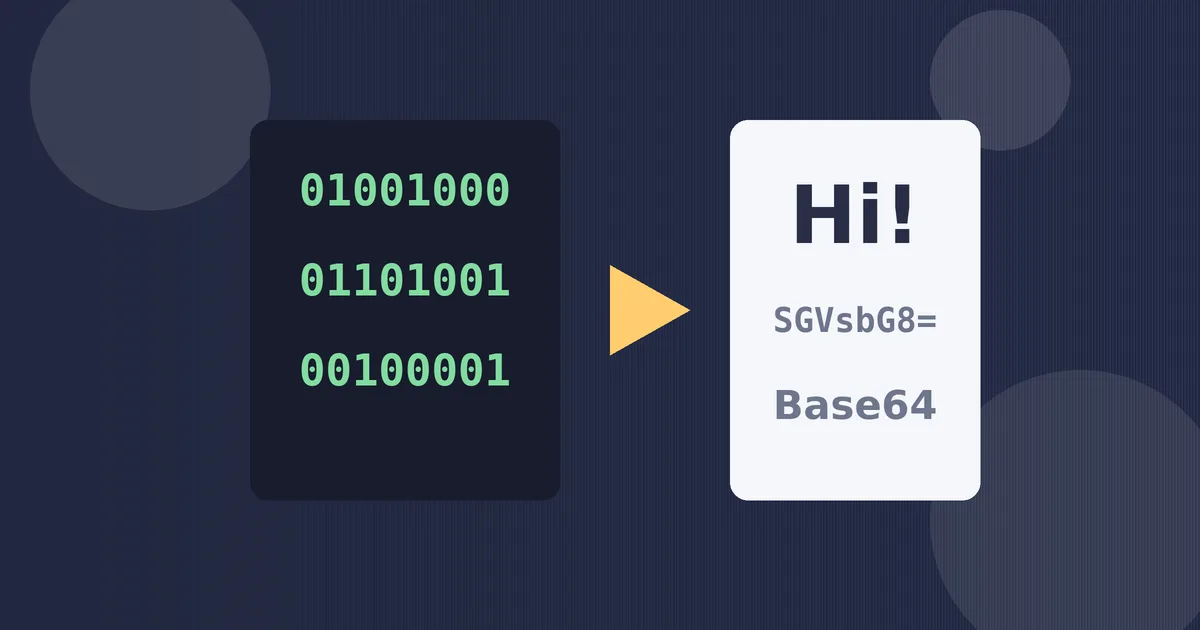
How to Use This Base64 Encoder and Decoder
- Choose a mode. Pick Encode to turn text into Base64, or Decode to turn a Base64 string back into text. The result updates live as you type, so there is no Convert button to hunt for.
- Type or paste your content. The tool is filled in with Hello, World! so you can see a working result straight away. Delete it and paste your own text or Base64.
- Tick URL-safe only when you need it. That swaps two characters and drops the padding, which is the variant used inside web addresses and tokens.
- Copy, swap or download. Copy puts the result on your clipboard. Swap sends the result back into the input box and flips the mode, which is the fastest way to check a round trip. If you decoded the Base64 of a file, the download button rebuilds the original bytes as a file.
- For files, use the lower panel. Choosing a file shows its raw Base64 with the data URL prefix stripped off, so you can paste it straight into code, a JSON payload or a database field.
What Is Base64 and Why Does It Exist?
Computers store everything as bytes, but many of the systems that move information around were designed for plain text only. Email protocols, HTML, JSON, XML and web addresses all assume that what travels through them is made of safe, printable characters. A raw byte can be almost anything, including control characters that would corrupt a message or break a parser on the way.
Base64 solves that problem by rewriting any sequence of bytes using only 64 safe characters: the letters A to Z in both cases, the digits 0 to 9, plus the symbols + and /. Every byte sequence, whether it is a sentence, a photo or a program file, can be expressed with that small alphabet and will survive the journey through text-only systems untouched. When the data arrives, decoding reverses the process exactly, byte for byte.
The trade-off is size. Because three bytes of data become four Base64 characters, the encoded version is roughly one third larger than the original. That overhead is the price of safe transport, and it is why Base64 is used for embedding and carrying data rather than for long-term storage of large files.
How Base64 Encoding Works
The conversion works on small groups. The encoder takes the input three bytes at a time, which is 24 bits, and splits those 24 bits into four groups of 6 bits. Each 6-bit group is a number from 0 to 63, and each number maps to one character in the Base64 alphabet. So the word Man becomes four characters: the bytes for M, a and n are regrouped and looked up in the alphabet, giving TWFu.
Real messages rarely divide neatly by three. If one byte is left over at the end, it produces two characters followed by two equals signs as padding. If two bytes are left over, they produce three characters and one equals sign. Padding keeps the total length a multiple of four, which tells the decoder exactly where the data ends. A quick reference:
| Input bytes left over | Output characters | Padding added |
|---|---|---|
| 0 (divides by 3) | 4 | None |
| 1 | 2 | == |
| 2 | 3 | = |
Decoding runs the same steps in reverse: characters become 6-bit values, the values are rejoined into bytes, and the bytes are handed back as the original text or file. Nothing is compressed and nothing is hidden; the mapping is public, fixed and reversible by anyone.
Worked Examples
Short examples make the pattern easier to trust than any formula. Each of these was produced with the converter above:
| Original text | Base64 result | What to notice |
|---|---|---|
| Hello | SGVsbG8= | Five bytes become eight characters with one padding sign |
| Hello, World! | SGVsbG8sIFdvcmxkIQ== | Spaces and punctuation encode like any other byte |
| Grüße ✓ | R3LDvMOfZSDinJM= | Accented letters and symbols work because the text is encoded as UTF-8 bytes first |
The third example is the one that breaks many quick converters. A check mark is not part of plain ASCII, so a tool that encodes character codes directly will corrupt it or refuse it. This converter always converts your text to UTF-8 bytes before encoding, and decodes bytes back as UTF-8 text, so emoji, accented names and non-English scripts all survive the round trip intact.
Files follow the same rule at a larger scale. A 3 KB image file becomes about 4 KB of Base64 text. When that text is embedded in a web page as a data URL, the browser decodes it back into the identical image, byte for byte.
Standard Base64 vs the URL-Safe Variant
Two of the 64 standard characters cause trouble inside a web address. A plus sign in a URL is often read as a space, and a forward slash starts a new path segment, so a standard Base64 string pasted into a link can be mangled before it is ever decoded. The URL-safe variant, often called Base64URL, replaces + with a hyphen and / with an underscore, and usually leaves off the padding because the decoder can work it out from the length.
You will meet the URL-safe variant in JSON Web Tokens, OAuth responses, password reset links and anywhere else an encoded value has to travel inside a URL or a filename. If a string you are decoding contains hyphens or underscores instead of plus and slash signs, it is the URL-safe variant; this tool accepts both, whether or not the checkbox is ticked, and produces the URL-safe form when you tick it.
Where Base64 Shows Up Every Day
- Email attachments. The MIME standard encodes attached files as Base64 so they pass through mail servers built for text.
- Data URLs. Small images, icons and fonts are embedded directly in HTML and CSS as Base64 after a short prefix such as data:image/png;base64, which saves a separate file request.
- APIs and JSON. Services pass binary content, signatures and certificates inside JSON payloads as Base64 strings, because JSON itself has no binary type.
- Login tokens. The three parts of a JSON Web Token are URL-safe Base64, which is why the middle section of a token decodes into readable JSON.
- Basic authentication. The classic browser login prompt sends the username and password joined by a colon and encoded with Base64, which is also why it should only ever travel over HTTPS.
Common Mistakes to Avoid
- Treating Base64 as encryption. It is an encoding, not a cipher. Anyone can decode a Base64 string in seconds, so never use it to protect passwords, keys or private data.
- Trimming the padding. Deleting the equals signs at the end changes the math for some decoders. Keep them for the standard variant, or switch fully to the URL-safe variant instead of mixing the two.
- Decoding a data URL whole. The prefix data:image/png;base64, is not part of the encoded data. Paste only the part after the comma, or the decoder will complain, correctly, that the input is not valid Base64.
- Encoding twice. If a decoded result still looks like Base64, the source was probably encoded two times. Swap the output back into the input and decode again rather than guessing.
- Blaming the tool for mojibake. Strings of accented nonsense after decoding usually mean the original bytes were not UTF-8. This converter reports non-UTF-8 data honestly instead of printing garbage, and offers the bytes as a file download.
More Developer Tools on This Site
Base64 belongs to a family of ways to represent the same data in different alphabets. If you are working at that level, the Binary Converter shows numbers in base 2, the Binary to Text Converter turns binary strings back into readable words, and the Hex Calculator handles base 16 arithmetic. Prefer pictures to digits? The Random Image Generator creates fresh abstract artwork in your browser, with the same nothing-uploaded privacy as this tool.
Frequently Asked Questions
Is Base64 a form of encryption?
No. Base64 is a public encoding with a fixed alphabet, so anyone can decode it instantly without a key. It makes data safe to transport through text systems, but it does not hide the content at all.
Why do Base64 strings end with equals signs?
The equals signs are padding. They appear when the input length does not divide by three, and they bring the output length up to a multiple of four so the decoder knows exactly where the data ends.
Can Base64 handle emoji and non-English text?
Yes, as long as the text is first converted to UTF-8 bytes, which this tool always does. Accent marks, scripts such as Arabic or Chinese, and emoji all encode and decode losslessly.
What is the difference between Base64 and Base64URL?
Base64URL swaps the plus sign for a hyphen and the slash for an underscore, and usually drops the padding. It exists so encoded values can sit inside web addresses, filenames and tokens such as JWTs without being corrupted.
Does this tool upload or store what I paste?
No. Every conversion runs locally in your browser with JavaScript, including file reading. Nothing is sent to a server, saved, or logged, which makes the tool safe for debugging payloads and configuration snippets.
How much bigger does Base64 make my data?
About one third bigger. Every three bytes become four characters, so a 300 KB file becomes roughly 400 KB of Base64 text. That overhead is the cost of carrying binary data safely through text-only systems.