Convert time to decimal hours for payroll, timesheets and billing, and convert back again, without doing the divide-by-60 step in your head. Enter clock time in hours, minutes and seconds to get decimal hours, turn a decimal figure back into hours and minutes, or turn a plain minute count such as 90 minutes into decimal hours. Everything updates as you type and runs only in your browser.
Clock time to decimal hours
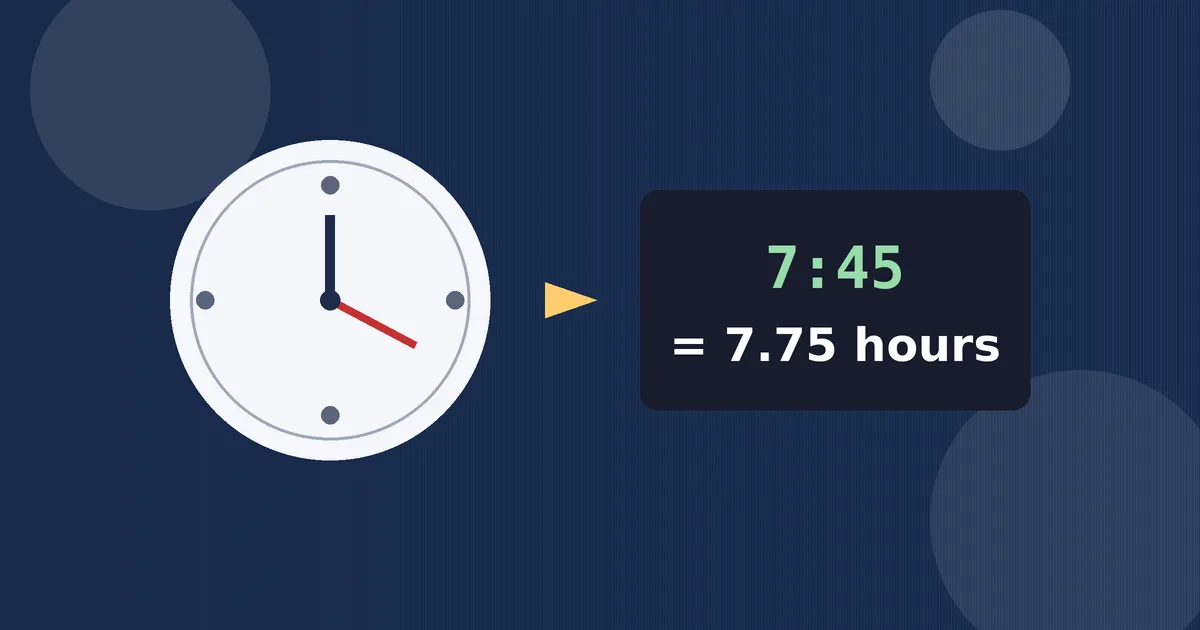
7.75 decimal hours
Also: 465 decimal minutes · 27,900 seconds · rounds to 7.75 for payroll (2 dp)
Decimal hours to clock time
7 hours 45 minutes 0 seconds (07:45:00)
Minutes to decimal hours
90 minutes = 1.5 decimal hours = 1 hour 30 minutes
How to Use This Decimal Hours Converter
- For a clock time, use the first panel. Type the hours, minutes and seconds exactly as they appear on a time clock, a stopwatch or a time-tracking app. The decimal result appears straight away, with no Convert button to press.
- Choose your rounding. Most payroll systems accept two decimal places, so that is the default. Switch to four places when you need a more precise figure for billing, for a spreadsheet audit, or for checking a figure someone else rounded.
- To go backwards, use the second panel. Type a decimal such as 7.75 and read the same length of time written as hours, minutes and seconds, with the familiar clock form in brackets.
- For a lone minute count, use the third panel. If a task, a meeting or a break was recorded only in minutes, enter that number to see it both as decimal hours and as hours and minutes.
- Copy the figure payroll actually needs. That is the decimal hours number from the first panel, not the clock time. The detail line underneath also gives you total minutes and total seconds if a form or a colleague asks for those instead.
Why Payroll Uses Decimal Hours
Clock time and arithmetic do not get along. Hours and minutes run in sixties: sixty seconds make a minute and sixty minutes make an hour. Money, spreadsheets and payroll software run in tens. You cannot multiply 7:45 by an hourly rate until you rewrite it as a single number, and that single number is decimal hours.
That is why almost every timesheet system, payroll platform and invoicing tool asks for decimal hours even though nobody speaks that way. A shift described out loud as seven hours and forty-five minutes must be entered as 7.75. Enter it as 7.45 instead and you have quietly recorded seven hours and twenty-seven minutes, short-changing the worker by eighteen minutes. Errors of exactly that kind are the most common reason decimal conversion exists at all.
The same format helps with adding time. Adding a week of clock times means carrying sixties in every column, which invites mistakes. Adding a week of decimal hours is ordinary addition, and multiplying the total by a pay rate, a charge-out rate or an overtime multiplier is then a single step.
The Formula for Converting Time to Decimal
The method has one idea behind it: turn every part of the time into hours, then add the parts together. Minutes become hours when you divide them by 60, and seconds become hours when you divide them by 3600.
Decimal hours = hours + (minutes divided by 60) + (seconds divided by 3600)
Going the other way reverses each step. The whole-number part of a decimal is the hours. Multiply what is left by 60 to get minutes, and multiply any fraction of a minute left after that by 60 to get seconds. So 0.75 of an hour is 0.75 times 60, which is 45 minutes.
For a plain minute count the formula is even shorter: decimal hours equals minutes divided by 60. That single rule explains the highest-volume search behind this page, converting 90 minutes to hours: 90 divided by 60 is 1.5, or one hour and thirty minutes.
| Minutes | Decimal hours | Minutes | Decimal hours |
|---|---|---|---|
| 6 | 0.10 | 36 | 0.60 |
| 12 | 0.20 | 42 | 0.70 |
| 18 | 0.30 | 48 | 0.80 |
| 24 | 0.40 | 54 | 0.90 |
| 30 | 0.50 | 60 | 1.00 |
The table runs in six-minute steps because six minutes is one tenth of an hour. That is the increment many employers use when they round time for payroll, sometimes called rounding to the nearest tenth. Quarter-hour rounding uses fifteen-minute steps instead, which is why 15 minutes as 0.25, 30 minutes as 0.50 and 45 minutes as 0.75 are worth memorizing: they come up constantly.
Worked Examples
Example 1: a normal shift fragment. A timesheet shows 7 hours and 45 minutes. Divide 45 by 60 to get 0.75, then add the 7 hours. The result is 7.75 decimal hours, 465 total minutes and 27,900 total seconds. At two decimal places nothing is lost, because 45 minutes is an exact quarter of an hour.
Example 2: the 90-minute question. A training session lasted 90 minutes. Ninety divided by 60 is 1.5 decimal hours. In clock terms that is one hour and thirty minutes. People often guess 1.90 or 1.30 here by treating minutes as if they were hundredths; both guesses are wrong, and the divide-by-60 rule is what protects you from them.
Example 3: seconds included. A tracked task took 1 hour, 30 minutes and 0 seconds. That is 1 plus 30 divided by 60, which is 1.5 decimal hours exactly. Add 36 seconds to a time and you add 36 divided by 3600, or 0.01 hours, which is why the four-decimal-place option matters for stopwatch data: at two places, small second counts can round away entirely.
Example 4: reading a payslip backwards. A payslip shows 2.25 hours of overtime. The 2 is two full hours. The remaining 0.25 times 60 is 15 minutes, so the overtime was two hours and fifteen minutes, written 02:15:00 in clock form. Checking a payslip this way is the fastest way to spot whether overtime was recorded in the format you expected.
Rounding, Tenths and Quarter Hours
Decimal conversion would be simple if every minute count divided neatly, but most do not. Twenty minutes is 0.3333 recurring, forty minutes is 0.6666 recurring, and a single minute is 0.01666 recurring. Every real system therefore rounds, and where it rounds changes the final pay by small amounts that add up over a team and a year.
Two decimal places is the common payroll standard because the error it leaves is tiny: at most about eighteen seconds of time. Some employers round the clock time first, to the nearest six minutes or fifteen minutes, and only then convert, which is a policy choice about fairness as much as arithmetic. If your converted figure differs slightly from a payslip, check the rounding rule before assuming a mistake. This converter lets you compare the two-place and four-place results side by side in effect, by switching the rounding control and watching the detail line.
One habit avoids most disputes: convert each shift on the day it happens, keep the unrounded minutes somewhere in your records, and let one consistent rounding rule produce the number you submit.
Common Mistakes to Avoid
- Typing clock time as a decimal. Writing 7:45 as 7.45 is the classic error. The digits after the point are hundredths of an hour, not minutes, so 7.45 really means seven hours and twenty-seven minutes.
- Dividing by 100 instead of 60. Minutes convert with 60 because there are sixty of them in an hour. Any shortcut based on 100 will drift further wrong the larger the minute count gets.
- Forgetting the seconds. On long tracked tasks, seconds look trivial but they accumulate. Forty-five tasks that each ignore thirty seconds lose more than twenty-two minutes between them.
- Rounding every day in different ways. Mixing two-place, tenth-hour and quarter-hour rounding inside one timesheet makes totals impossible to reconcile. Pick the rule your payroll system uses and apply it everywhere.
- Adding clock times as decimals. 1.50 plus 1.50 is fine because both are already decimal. Adding 1:50 and 1:50 as if they were 1.50 and 1.50 gives 3.00, when the true total is 3 hours 40 minutes, or 3.67 decimal hours.
More Time Tools on This Site
This converter handles the payroll direction: durations rewritten as decimal numbers. For neighboring jobs, the Time Calculator adds and subtracts clock times and durations directly, the Military Time Converter switches between 12-hour and 24-hour clock forms, and the Date Calculator counts days between dates. If a duration came from exercise rather than work, the Running Pace Calculator turns time and distance into pace.
Frequently Asked Questions
How do I convert 90 minutes to hours?
Divide the minutes by 60. Ninety divided by 60 is 1.5, so 90 minutes is 1.5 decimal hours, which is one hour and thirty minutes in clock time. The third panel of this converter does the same calculation for any minute count.
What is 7 hours 45 minutes in decimal hours?
It is 7.75 decimal hours. Forty-five minutes divided by 60 is 0.75, and adding the seven full hours gives 7.75. The total is also 465 minutes or 27,900 seconds, which the converter shows in its detail line.
Why is 45 minutes 0.75 and not 0.45?
Because decimal hours count hundredths of an hour, not minutes. Forty-five minutes is three quarters of an hour, and three quarters written as a decimal is 0.75. Writing 0.45 would mean forty-five hundredths of an hour, which is only twenty-seven minutes.
How many decimal places does payroll need?
Two decimal places is the standard for most payroll and timesheet systems, and it keeps the rounding error below about eighteen seconds. Use four places when you are auditing figures, billing precise tracked time, or checking work that includes seconds.
How do I convert decimal hours back to hours and minutes?
Take the whole number as the hours, then multiply the decimal part by 60 to get the minutes. For 2.25 hours, the decimal part 0.25 times 60 is 15, so the time is two hours and fifteen minutes. The second panel above does this, seconds included.
How do I convert hours to minutes?
Multiply the hours by 60. Two hours is 120 minutes, and 7.75 hours is 465 minutes. For a mixed time, convert each part and add: the hours times 60, plus the minutes, plus the seconds divided by 60, which is the decimal minutes figure this converter reports.